Menu
Free Chrome Extension

Organize Your Gemini Chats
with Folders

The folder system Gemini forgot. Create folders, drag and drop your chats, and finally find what you're looking for.

Loved by 100+ Gemini users
Privacy-first — we never read your chats
Free forever — Pro optional

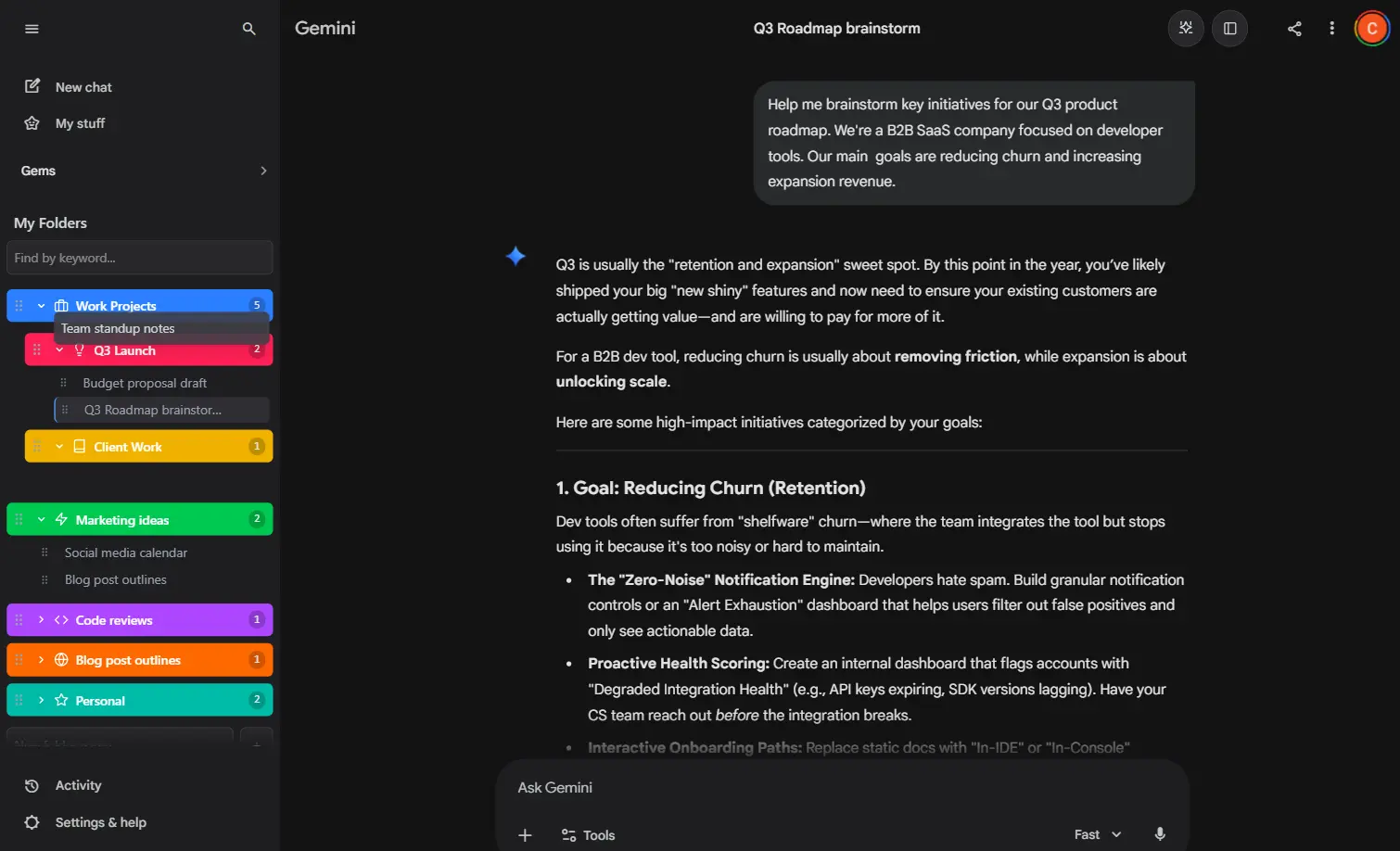
Everything you need to stay organized

A powerful set of tools designed to bring order to your Gemini conversations. Simple to use, endlessly flexible.

Unlimited Folders

Create as many folders as you need to organize hundreds of chats. No limits holding you back.

Nested Subfolders

Go deeper with subfolders inside folders. Build the exact hierarchy that matches how you think.

Custom Colors & Icons

Personalize every folder with your choice of colors and icons. Spot what you need at a glance.

Drag & Drop

Move chats between folders with a simple drag and drop. Reorganize your workspace in seconds.

Cross-Device Sync

Your folders follow you everywhere. Real-time sync across every device where you use Chrome.

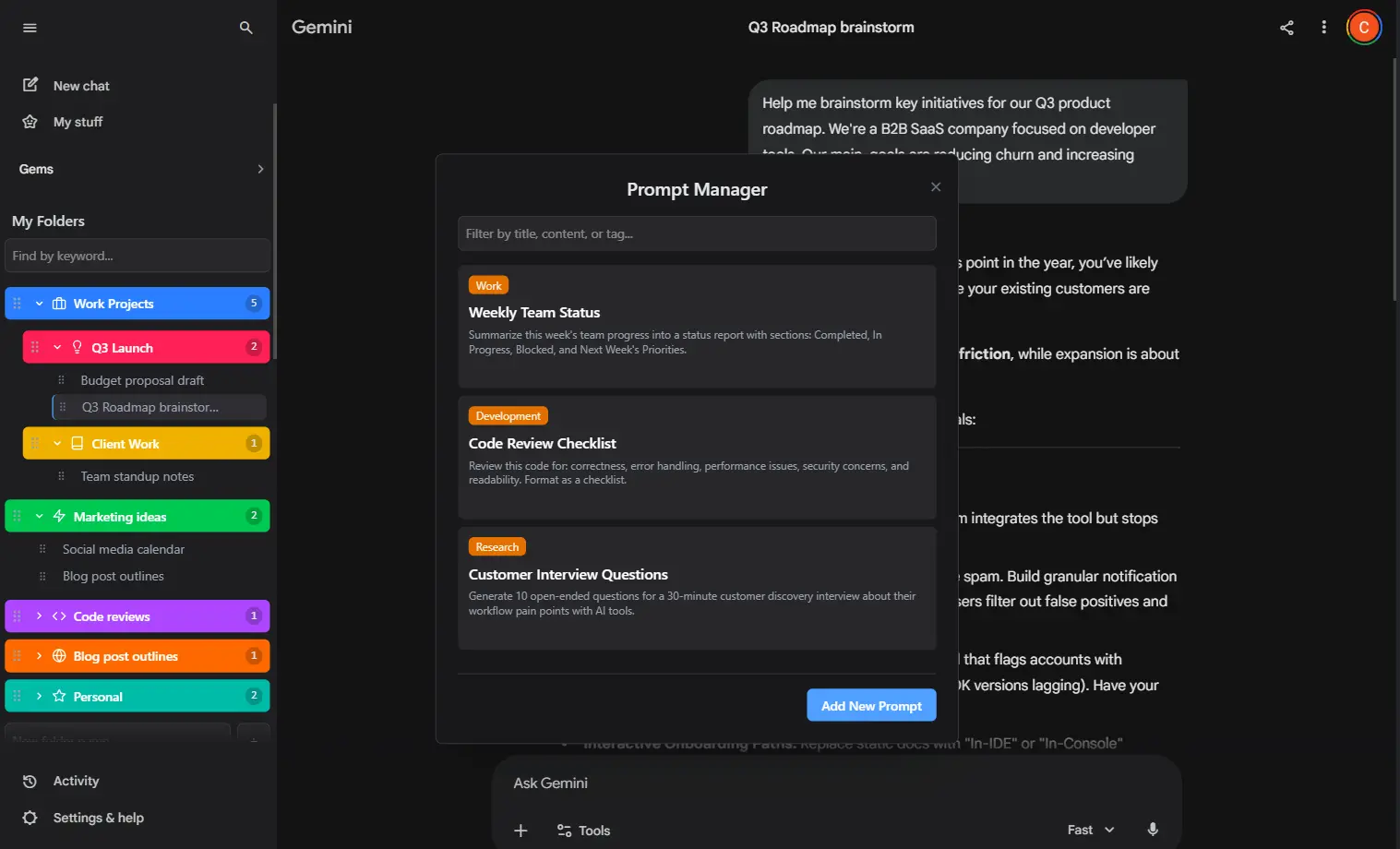
Prompt Manager

Save, organize, and reuse your best prompts. One click to insert any prompt into a new chat.

Up and running in 30 seconds

No setup, no configuration, no learning curve. It just works.

1

Install the Extension

Add Gemini Folders from the Chrome Web Store. It takes one click and works immediately.

2

Create Your Folders

Open Gemini and you will see the folders panel. Create folders for projects, topics, or whatever you like.

3

Organize Your Chats

Drag and drop chats into folders. Find any conversation in seconds, not minutes.

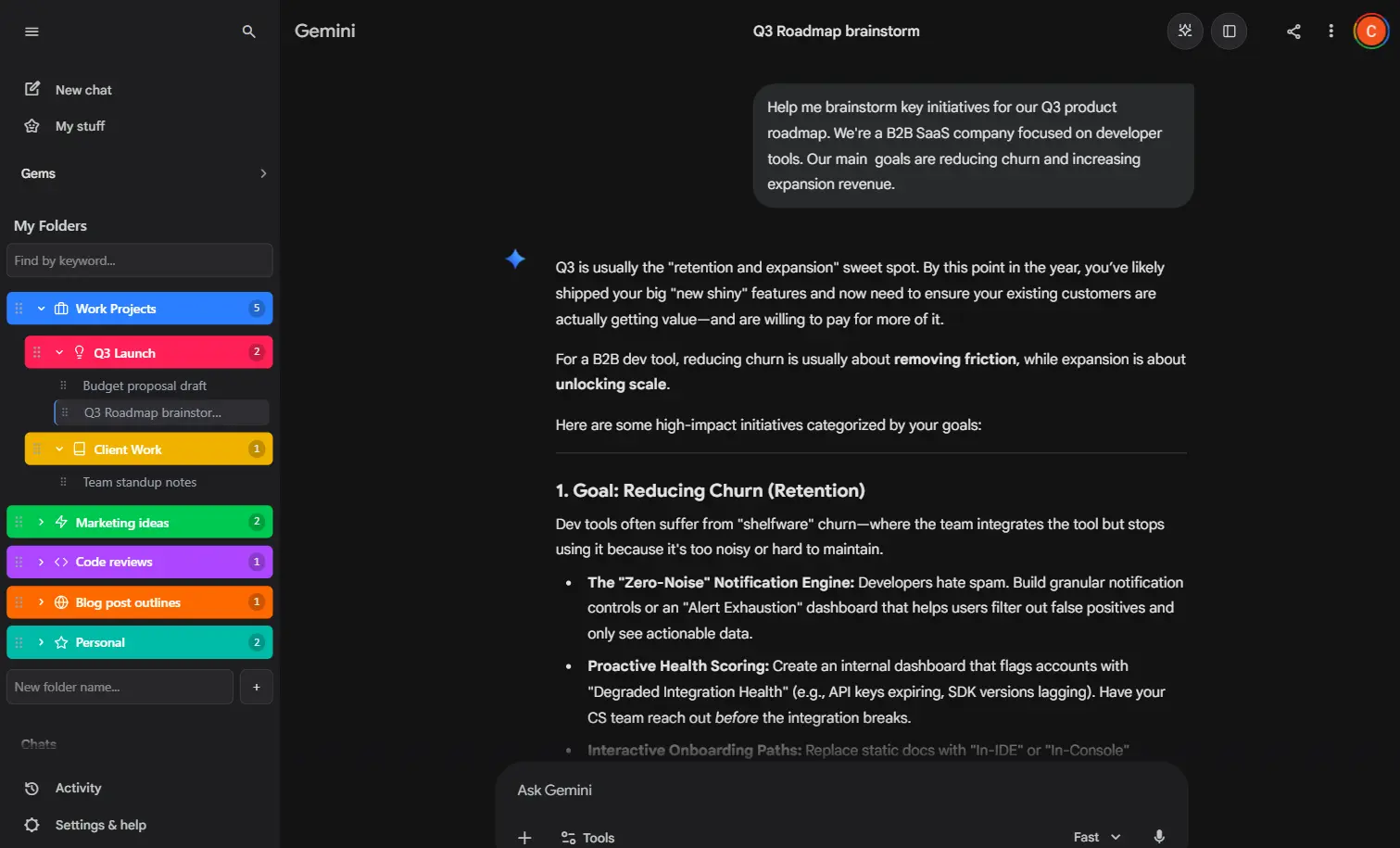
From chaos to clarity

See the difference a folder system makes when you have dozens of Gemini conversations.

Before
Recent chats
Endless scrolling to find anything...
After
My Folders
Work Projects
Marketing strategy Q1
Product launch copy
Competitor analysis
Learning
Python data structures
React hooks deep dive
Personal
Code Debugging
Everything exactly where it should be

Free is powerful. Pro is unlimited.

Start organizing for free. Upgrade when you need more.

Feature Free Pro
Folders 2 folders Unlimited
Chats per folder 3 chats Unlimited
Nested subfolders
Custom colors & icons
Drag & drop organization
Cross-device sync
Prompt manager
Priority support

Simple, transparent pricing

Start free, upgrade when you are ready. No hidden fees, cancel anytime.

Yearly

Billed annually

$17.99 /year

Save over 50% compared to monthly. The smart choice for power users.

Lifetime

One-time payment

$23.99 /once

Pay once, own forever. Every feature, every future update, no recurring bill.

Best Value
Secure payments via Stripe. Cancel anytime. Your data is always yours.

Frequently asked questions

Everything you need to know about Gemini Folders.

Absolutely. Your folder data is stored securely in your own Firebase account space. We never see or store your chat content. All payments are handled securely by Stripe.

Your subscription unlocks all Pro features. You can manage your subscription at any time through the Stripe customer portal, accessible from the extension's account tab.

If you cancel, you will retain access to all your existing folders and chats, even if you are over the free limits. You will only lose the ability to create new items that exceed the free plan's limits.

Gemini Folders adds a folder panel directly into the Google Gemini sidebar. You can create folders, then drag and drop your chats into them. Your folder structure syncs across all your devices using Firebase, so your organization is always up to date.

Gemini Folders is available as a Chrome extension and works on any platform that runs Google Chrome, including Windows, macOS, Linux, and Chrome OS.

Yes. Your folder structure, chat assignments, and customizations are synced in real time across all devices where you are signed in with the same Google account.

Ready to organize your Gemini chats?

Join thousands of users who stopped losing their best conversations. Install in one click, free forever.

Install Free — Chrome Extension